Introduction





What Is It?
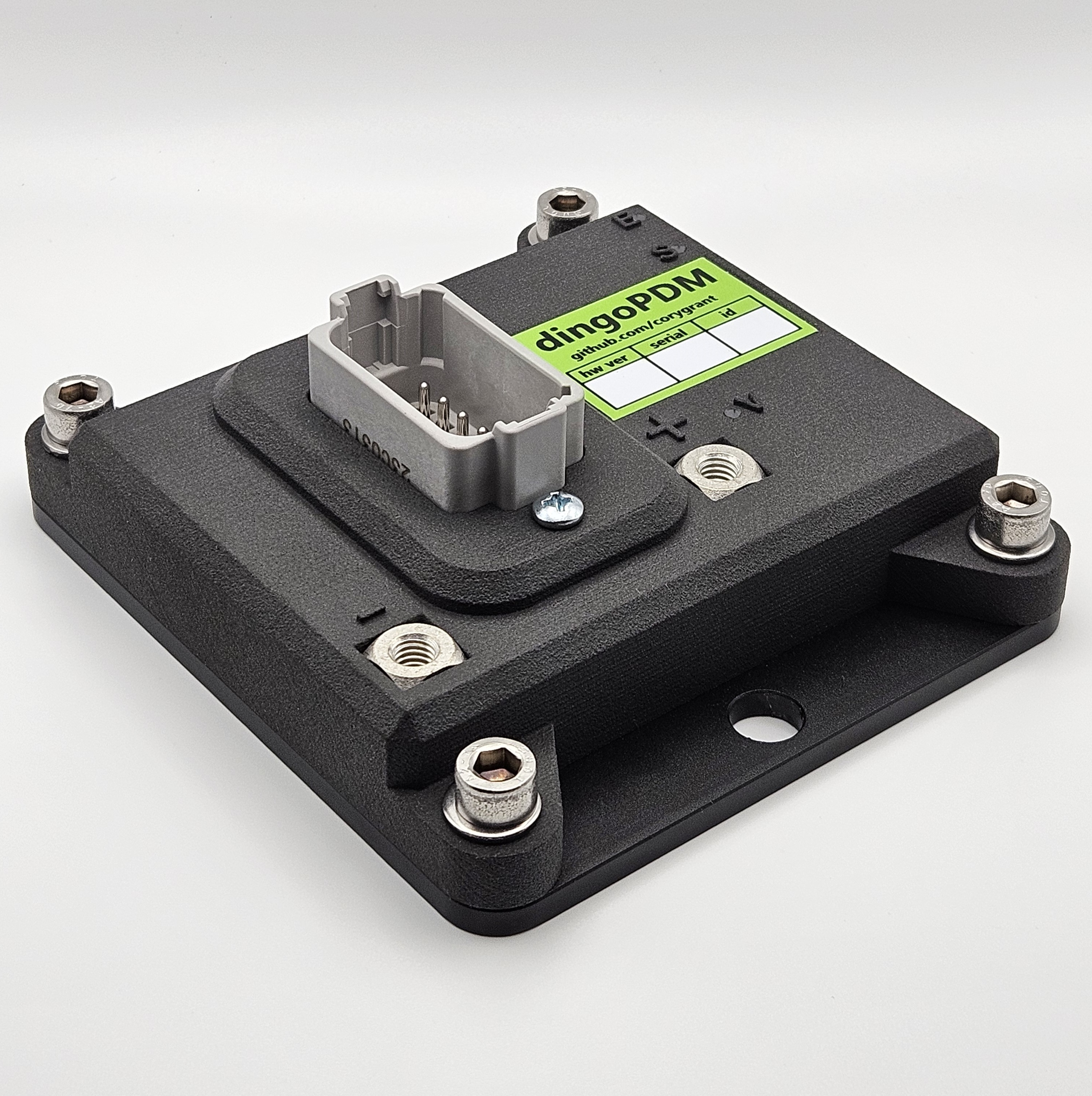
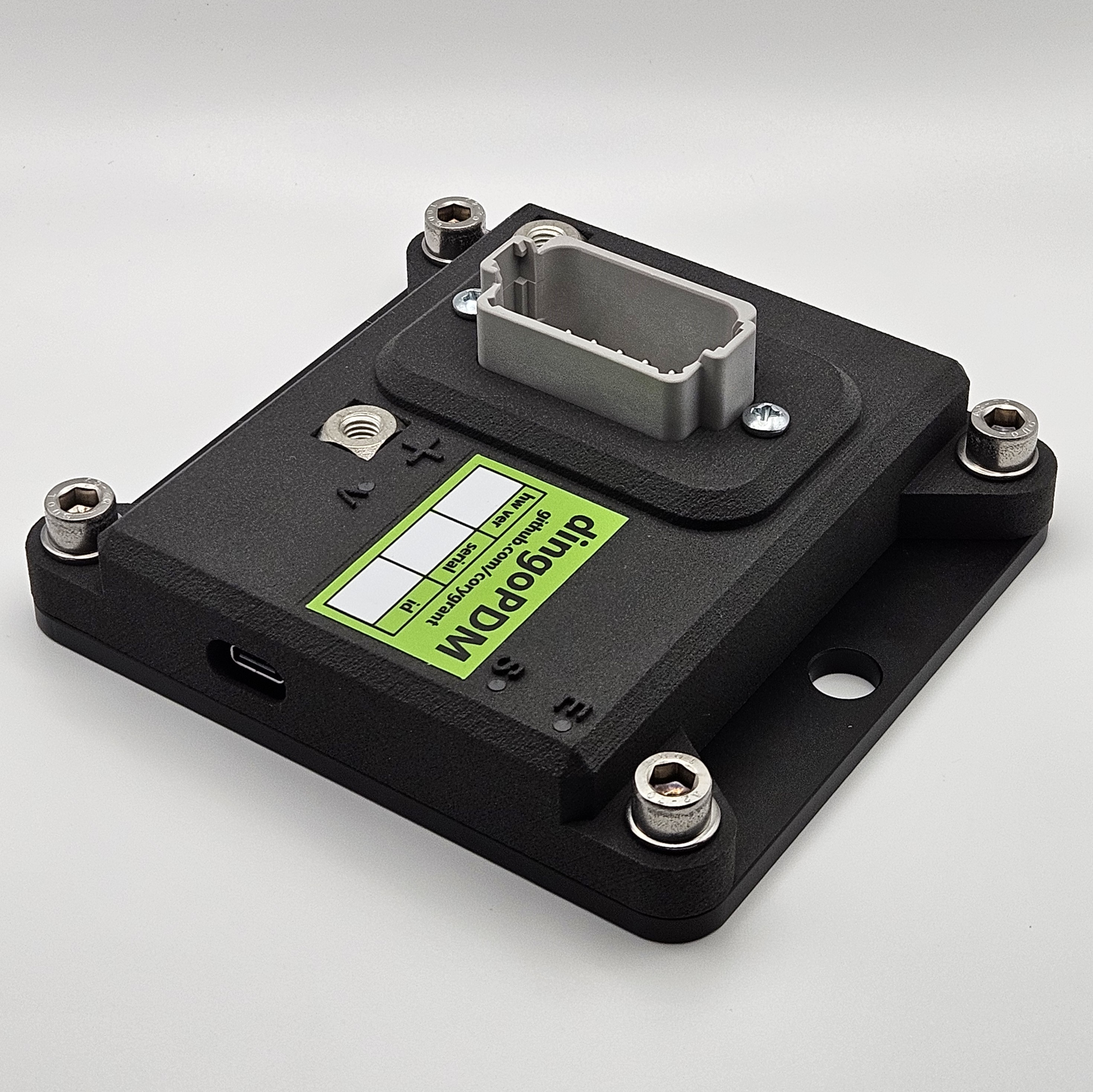
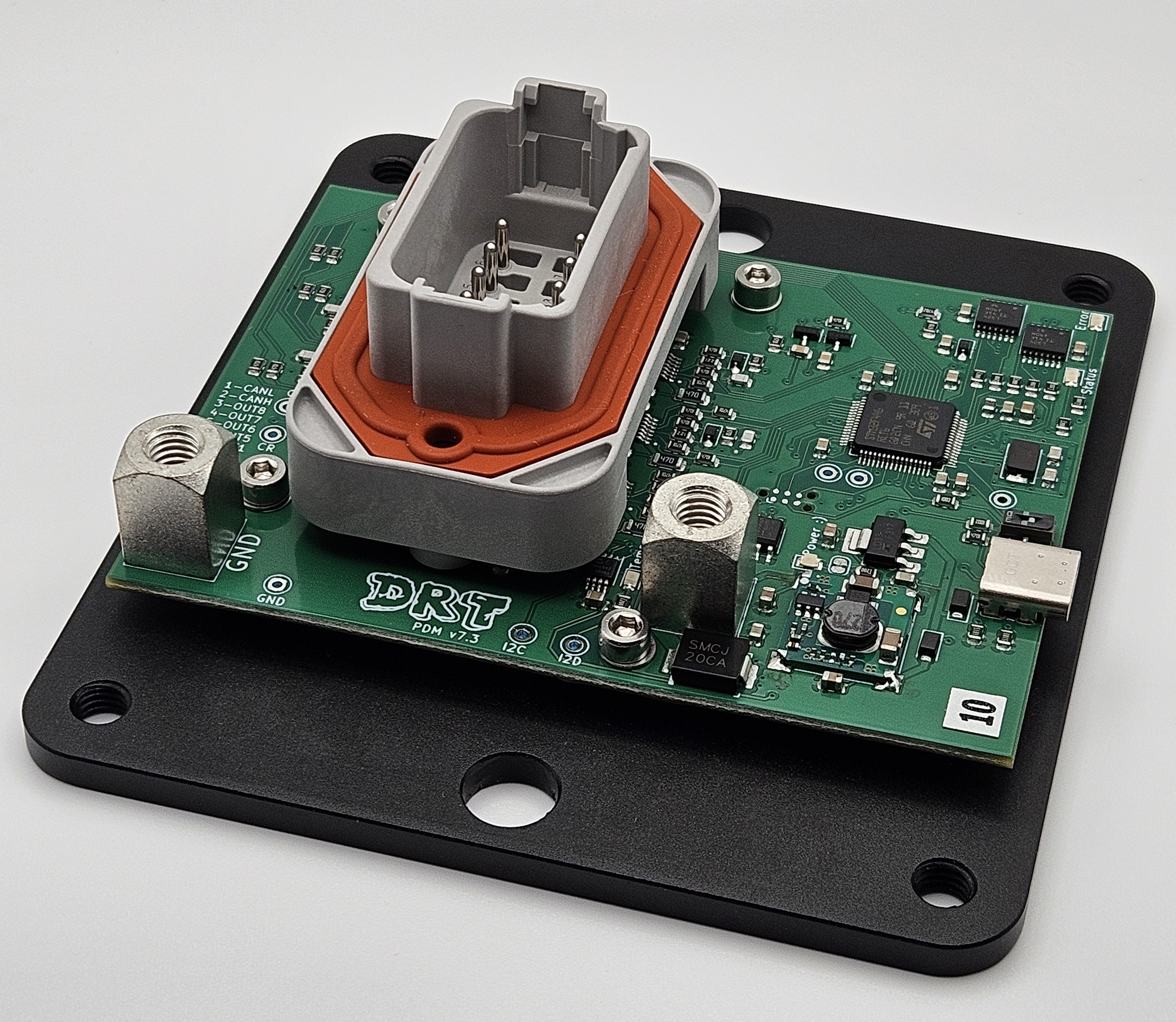
dingoPDM is an automotive Power Distribution Module.
PDMs can be used in place of fuses, circuit breakers and relays, including flasher and wiper relays.
Each output channel of the PDM:
- Measures the active current and reacts by turning the output off if the current exceeds the limit
- Allows a higher inrush current when first turned on
- Automatically resets after a cool down period a maximum number of times
- Can be turned on/off using various input sources
- Can be on constantly or with Pulse Width Modulation (PWM)
This makes PDMs a very flexible solution when designing the power system in any automotive application.
Features
A key feature of any PDM is flexible configuration to match the target application.
To meet these needs, dingoPDM includes configurable:
- Outputs, including paired outputs for higher current loads
- Digital inputs
- CAN inputs (32), read any signal from any CAN message
- CAN outputs (32), send any value on CAN
- Virtual logic inputs (16)
- Counters (4)
- Logic conditions (32)
- Timers (8)
- Wipers
- Flashers (4)
- Starter disable
All settings on the dingoPDM are configured with dingoConfig, which runs on Windows, Linux and macOS. See dingoPDM Configuration for every setting.
dingoPDM also includes:
- Cyclic CAN status messages (TX), see CAN
- Pulse Width Modulation (PWM)
- Configurable frequency (up to 400Hz)
- Fixed or variable duty cycle
- Soft start
- CAN keypad support, up to 2 keypads
- Battery voltage measurement
- Board temperature sensor
- Low power sleep
- Status LEDs
Configuration
The dingoPDM configuration can be accessed using:
- USB-C connected directly to the device. With
Connect USB to CANenabled (default), the USB port also works as a USB to CAN adapter, so every device on the CAN bus can be configured through it - A CAN connection to one or many devices at once using a USB to CAN adapter such as USB2CAN, see Adapters
Configuration reading/writing and status monitoring are all done using dingoConfig
Wiring Example


Changing the CAN Base ID
The default CAN Base ID is 0x0DE (222). Each device on the bus uses the IDs from Base ID to Base ID + 28, see CAN IDs.
To change the Base ID in dingoConfig:
- Connect to the device
- On the
Devicespage, pressModify Deviceand enter the new Base ID. dingoConfig sends the new Base ID to the device and starts using it - Open the device and press
Burnto save the new Base ID on the device
To change the CAN bitrate:
- On the device
Configurationtab,Devicesection, changeBitrate - Press
Write, thenBurn - Press
Reset(or cycle power), the device starts using the new bitrate - Reconnect the adapter at the new bitrate (not needed for USB)
Images